When I first made a PDF, I thought it was the final product.
I wrote it, organized it, uploaded it,
and waited to see if anyone would buy it.
At the beginning, that felt enough.
But after a while, something became clear.
One PDF by itself is weak.
It might sell.
It might not.
And even if it does, it doesn’t build much on its own.
That’s when I realized something important.
A PDF shouldn’t be a single product.
It should be the starting point.
A PDF is not the end
Let’s say your PDF is about something simple like:
“How to Make Your First Money Online”
Inside, you probably have sections like:
- how to start on Fiverr
- how to get your first order
- how to reuse content
- how to create a simple product
- common beginner mistakes
At first, it looks like one product.
But it’s not.
It’s actually a collection of smaller products.
People don’t want long explanations
At the beginning, it feels like more content is better.
Longer PDFs.
More detail.
More explanation.
But that’s not what most beginners are looking for.
They don’t want to read everything.
They want something they can use right away.
For example, someone starting on Fiverr doesn’t always need a 30-page guide.
They might just want:
- example gig titles
- short profile descriptions
- simple message templates
- a checklist for their first order
That’s why templates sell.
How to turn a PDF into templates
The process is simple.
Go back to your PDF and ask one question:
“What part of this can someone copy and use immediately?”
For example, if your PDF says:
“It’s better to start with a simple $5 service instead of trying to sell something expensive right away.”
That’s explanation.
Now turn it into something usable.
Gig title examples:
I will rewrite your short text naturally
I will edit your short article for clarity
I will summarize your content into simple English
I will do basic online research for your topic
Now it becomes a product.
What you can actually create
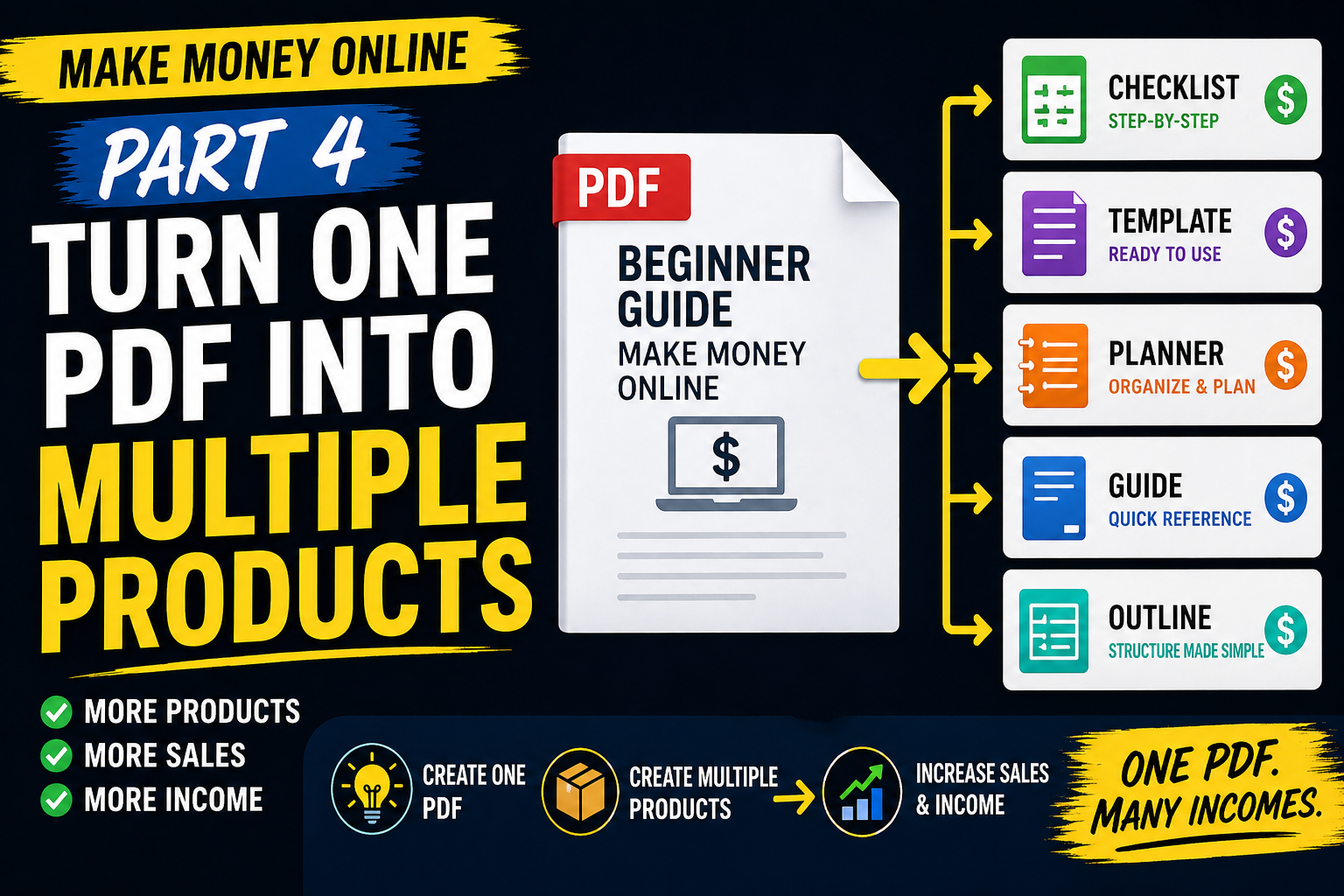
From one PDF, you can easily create multiple small products.
For example:
Fiverr Gig Title Templates
Fiverr Buyer Message Templates
First Online Income Checklist
Blog Post Repurposing Planner
Simple PDF Product Outline
You’re not creating new ideas.
You’re reshaping what you already made.
The actual process
Here’s how I would do it step by step.
Open your PDF.
Look at the table of contents.
Let’s say it looks like this:
- Starting on Fiverr
- Getting your first order
- Reusing content
- Creating a PDF
- Writing a product page
Now turn each section into a product idea:
Starting on Fiverr → Gig Title Template
Getting your first order → Buyer Message Template
Reusing content → Repurposing Planner
Creating a PDF → PDF Outline Template
Writing a product page → Description Template
One PDF becomes five products.
Tools you can use
You don’t need anything complicated.
For beginners, these are enough:
Canva
Google Docs
If you want something simple and fast, use Google Docs.
Write the content, format it cleanly, export as PDF.
That’s it.
Don’t spend too much time on design at the beginning.
Your goal is not perfection.
Your goal is to see if it sells.
Pricing strategy
Start low.
$3 to $7 is realistic for simple templates.
Examples:
Fiverr Gig Title Templates — $3
First Online Income Checklist — $5
PDF Product Outline Template — $7
The goal is not to maximize profit.
The goal is to confirm that people are willing to pay.
Where to sell
If you’re starting from zero, keep it simple.
Start with Gumroad.
It’s easy to upload files.
Easy to set up payments.
Good for testing.
Etsy can work later, but it requires more effort.
So a simple path looks like this:
Start → Gumroad
Expand → Etsy
Connect → Your blog
How to write your product page
Keep it simple.
You don’t need a long sales page.
Just include:
- who it’s for
- what problem it solves
- what’s included
- how to use it
For example:
This template is for beginners who want to start on Fiverr but don’t know what to write.
Inside, you’ll get simple gig title examples and short message templates you can use right away.
You don’t need experience.
You just need a clear starting point.
That’s enough.
Don’t try to make one perfect product
This is where most beginners get stuck.
They try to make one big, perfect product.
That takes too long.
And often, it never gets released.
A better approach is to create small products first.
Test what people actually buy.
Then improve from there.
The difference between a PDF and a template
A PDF explains.
A template lets people act.
A PDF tells you what to do.
A template shows you exactly how to do it.
That’s why templates are easier to sell.
People don’t want to think.
They want something they can use immediately.
What I would create first
If I had to start again, I would create these first:
Fiverr Gig Title Template
First Online Income Checklist
Blog Post Repurposing Planner
Simple PDF Outline
Gumroad Product Description Template
Each one connects to your content.
That’s important.
How to connect it to your blog
Inside your blog posts, you can mention your templates naturally.
For example, in a Fiverr post:
“If you don’t know what kind of gig to create, I made a simple Fiverr gig title template for beginners.”
Then link your product.
In a content post:
“If you want to turn one blog post into multiple pieces, a simple repurposing planner can make it easier.”
Then link your product.
In a PDF post:
“If you don’t know how to structure your first PDF, start with a simple outline instead of a blank page.”
Then link your product.
No pressure. No aggressive selling.
Just make it part of the flow.
Final thought
A PDF is not the final step.
It’s the starting point.
Inside that one file, there are multiple smaller products waiting to be created.
You don’t need more ideas.
You need to break down what you already made
and turn it into something people can actually use.
That’s how beginners expand income.